FabFilter Pro-Q 4 Review: Is the Industry-Standard EQ Still Worth It?
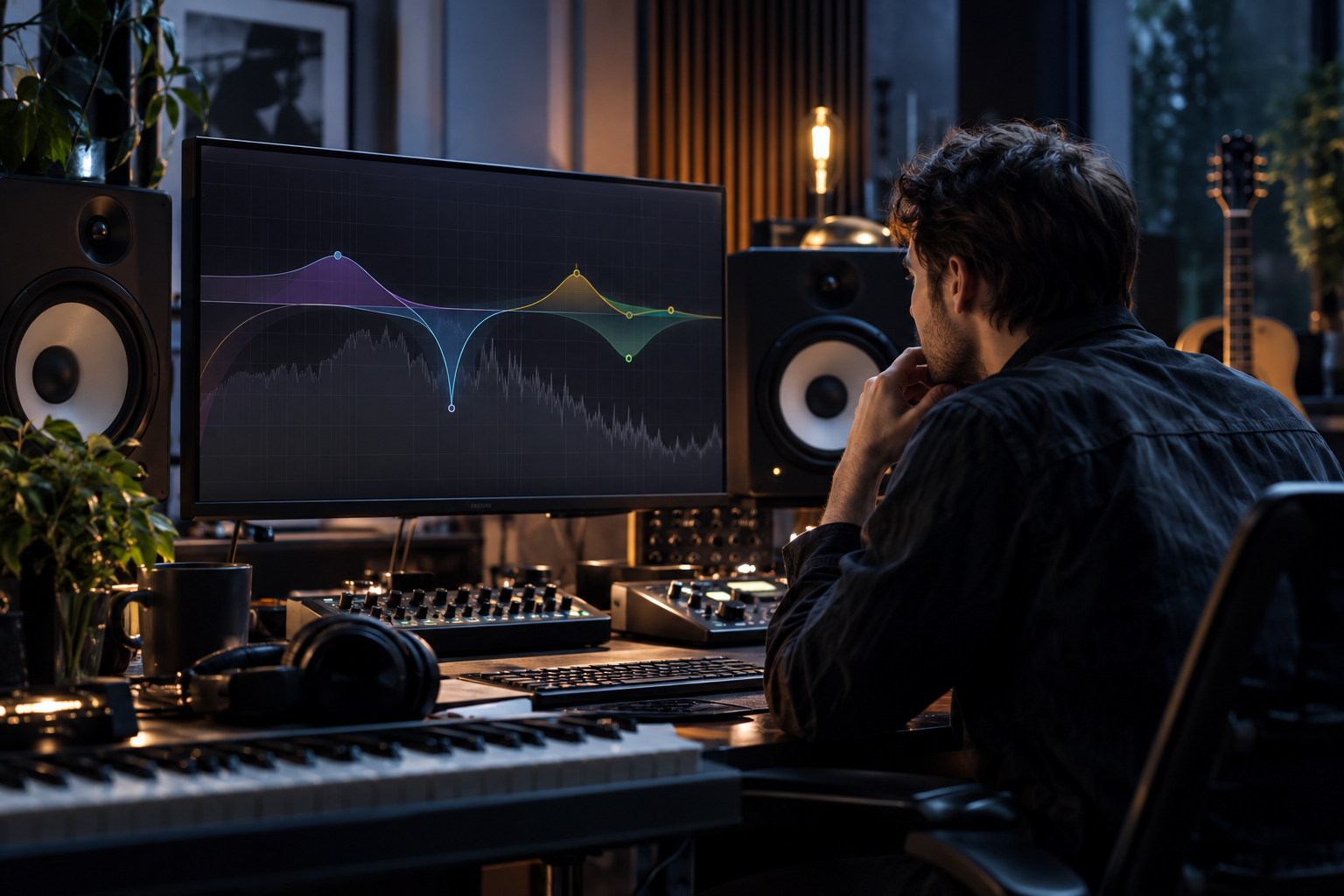
Let me be straight with you: I’ve got Pro-Q 3 on every single session template I own, and my first reaction to a Pro-Q 4 announcement was the same as probably half the producer community – why? FabFilter‘s flagship EQ has been the default answer to “what EQ should I buy?” for the better part of a decade, and version 3 was already the plugin I reached for without thinking. So a review of Pro-Q 4 isn’t really about whether it’s good. It’s about whether the people still on Q3 (or on a freebie like TDR Nova) have an actual reason to move. Let me try to answer that honestly.
What Pro-Q 4 Actually Is
First, the framing. FabFilter Pro-Q 4 is the fourth generation of FabFilter’s surgical parametric EQ – the mixing and mastering workhorse known for its clean phase behavior, flexible filter slopes, and the spectrum-grab interface that basically defined how modern EQ plugins look. If you already use Pro-Q 3, nothing about the core philosophy has changed: it’s a precision tool, not a “character” EQ. It does not pretend to sound like a vintage console or a Neve channel strip. It’s designed to shape frequencies accurately and get out of the way.
That distinction matters, because it puts Pro-Q 4 in a very specific category. When people talk about the best EQ plugins in 2026, they’re usually splitting the field two ways: surgical tools (Pro-Q, TDR Nova, ZL Equalizer) and analog-flavored ones (Analog Obsession’s MERICA, or the Maag EQ4-style Vox Samples Rainbow Bird). Pro-Q has always lived firmly in the first camp, and that’s not a limitation – it’s the whole point.
The Case For Pro-Q 3 (And Why Q4 Has To Beat It)
Here’s the uncomfortable truth about version numbers in plugin land: the previous version is often still installed on your machine, paid for, and working flawlessly. Pro-Q 3 was already what most engineers would call the industry standard for a digital parametric EQ. It handled 24 bands, dynamic EQ per band, flexible slopes, and a spectrum analyzer that turned EQ decisions into a visual, intuitive process. If you’re a beginner who bought it once and never upgraded, you’ve likely never hit its ceiling.
So the real question is what FabFilter added that changes the workflow – not the feature list. And what it comes down to for a lot of producers is going to depend entirely on how much you lean on dynamic processing inside your EQ versus reaching for a dedicated tool.
Where the dynamic engine sits in 2026
This is the part of the Pro-Q story that’s aged the most gracefully. Ten years ago, “dynamic EQ” was a niche idea. Now it’s table stakes. TDR Nova – a free, four-band dynamic EQ – lets each band react to the incoming signal, only applying EQ when certain frequencies cross a threshold. That’s genuinely useful for transparent vocal processing and taming resonances without killing character, and it’s competitive with paid dynamic EQs costing ten times more. When a free plugin can do dynamic band-by-band work, a paid flagship has to justify itself with control, precision, and integration – not just the existence of a dynamic mode.
If you’re using Pro-Q purely as a static EQ, the case for upgrading weakens considerably. If you’re using it as your primary dynamic EQ on vocals, buses, and master chains, the argument gets a lot stronger, because that’s where every increment of control actually compounds across a mix.
What Type Of Producer Should Care
- Surgical mixers: If your sessions are built around carving problem frequencies, notching resonances, and surgical cleanup, Pro-Q 4 is squarely aimed at you. This is the tool’s home turf.
- Mastering and bus work: The precision and clean phase behavior that made Pro-Q a standard on the mix bus still apply here. Producers running Kotelnikov or similar transparent compressors on their master often pair them with a Pro-Q for exactly this reason – transparent, controlled dynamics without smearing.
- Character-chasers: If what you actually want is warmth and color – the musicality of an analog-style EQ on a drum bus or vocal – Pro-Q is not going to give you that, and no version update will. That’s a job for a MERICA-style emulation or the Maag-inspired additive approach, where the EQ is doing musical work alongside frequency shaping.
This is the strategic fork most producers don’t articulate clearly enough. There are two jobs: correction and coloration. Pro-Q 4 is a correction tool, and it’s arguably the best one on the market. If you keep buying EQs hoping one will do both, you’ll keep being disappointed.
How It Compares To The Free Alternatives
Worth addressing head-on, because the free-EQ game has gotten scary good. ZL Equalizer 2 runs up to 24 bands, multiple filter structures and types, extremely steep slopes, 64-bit float processing, de-cramped filters, and even a fully integrated dynamic EQ per band with attack, release, knee, and automatic threshold learning. As one roundup put it, it genuinely feels like using a premium equalizer plugin while remaining completely free and open-source. That’s not marketing – that’s the reality of 2026.
So why would anyone pay for Pro-Q 4? Three reasons, and they’re real: the interface, the workflow, and the consistency. ZL Equalizer’s feature set is competitive, but Pro-Q’s spectrum-grab interaction, the way bands behave under your cursor, and the sheer speed of getting to a decision is the part that doesn’t show up in a feature table. Over a hundred mixes, workflow advantages compound. You stop thinking about the plugin and start thinking about the music, which is the entire goal.
If you’re on a zero budget, ZL Equalizer 2 or TDR Nova are legitimately not compromises for most tasks. If you mix for a living, the Pro-Q workflow pays for itself – that’s the honest split.
The Reverb-Plugin Lesson, Applied To EQ
There’s a parallel worth drawing here. When people compare reverb plugins, they tend to sort them the same way: characterful tools like Valhalla VintageVerb versus clean, surgical ones like FabFilter Pro-R – which is described as clean and surgical, not characterful, and best for mix integration and precision. Pro-R’s strength is that six-band EQ section built into the reverb itself, letting you carve mud below 200 Hz or add air above 10 kHz without leaving the plugin. That’s the same design philosophy FabFilter applies across its whole line: give the engineer deep, precise control in one interface.
Pro-Q 4 is that philosophy applied to EQ. It won’t give you the “sound” of anything vintage. It will give you more control over frequencies than you probably need, presented in the most direct way possible. That’s either exactly what you want or completely beside the point, depending on what you’re trying to do.
Is It Still Worth It In 2026?
Yes – with one caveat that I’ll state plainly.
If you’re a working producer, mixing regularly, and you’ve been relying on Pro-Q 3 for years without ever feeling limited by it, Pro-Q 4 is worth buying for the workflow, not because your mixes suddenly sound broken. The core value proposition of Pro-Q hasn’t decayed – clean, precise, flexible EQ with an interface that makes fast, confident decisions possible. That’s a durable thing, and durability is exactly what you want in a tool you’ll use on literally every session.
If you’re a hobbyist on a budget, though, be honest with yourself. TDR Nova handles transparent dynamic EQ beautifully. ZL Equalizer 2 punches far above its price tag. You could build an entire career’s worth of good mixes on those and never touch FabFilter. The upgrade only makes sense once you’ve actually outgrown what you have – and plenty of people never do, which is fine.
What I’d push back on is buying Pro-Q 4 because it’s the standard. That’s the wrong reason. Buy it because you mix a lot, you want precision without friction, and the faster you get from idea to execution, the better your records turn out. If that’s you, Pro-Q 4 holds its ground the same way Pro-Q 3 did – by quietly being the tool you never have to think about. And in this business, that’s about the highest compliment a plugin can get.