MeterPlugs Perception AB v1.5 Adds Level-Matched A/B for Atmos and Immersive Layouts Up to 7.1.4
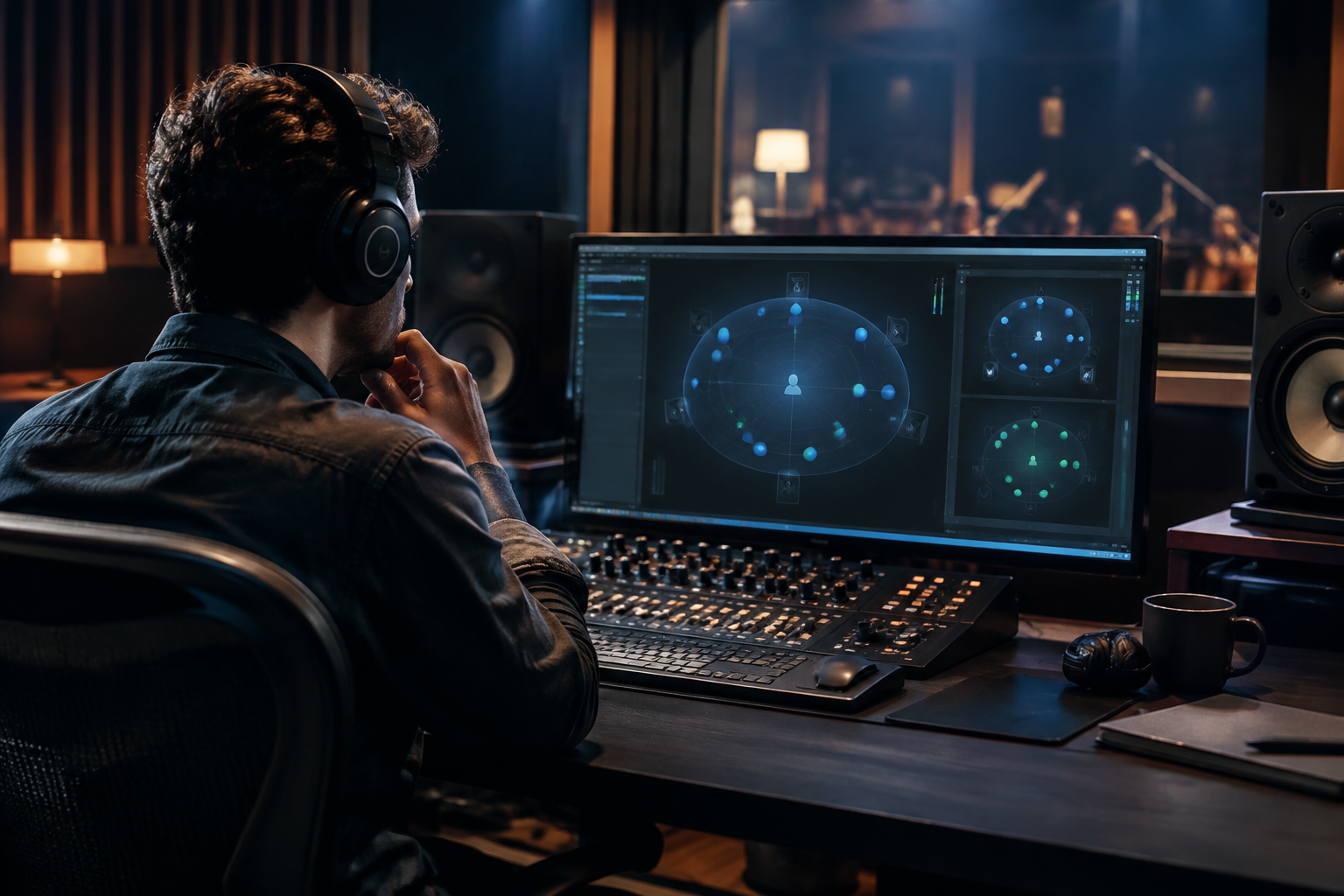
MeterPlugs just shipped Perception AB v1.5, and the headline is that the A/B comparison tool now covers immersive layouts up to 7.1.4. If you have been mixing in Atmos or any other object-based format and relying on the plain stereo version of a meter to double-check your levels, this update is aimed squarely at you. It is a small version bump on paper. In practice it patches a real gap in how most of us audition immersive mixes.
Let me explain why that gap matters, what level-matched A/B actually does for you, and where I still want MeterPlugs to push further.
Why level-matched A/B matters more than people admit
Our ears are liars. Present the same source twice at a two or three dB difference and the louder one will win almost every time, whether it is a mix bus, a limiter setting, or a compressor curve. The only honest way to compare is to match levels first. Then you are judging tone, dynamics, and balance instead of loudness.
Perception AB was built on that principle: it measures the level of what you are switching between and compensates automatically, so an A/B flip tests the processing, not the gain. In stereo this was already useful. On an immersive bus it was a nightmare, because you had multiple speaker feeds to reconcile and most tools only looked at the front pair.
What version 1.5 brings to immersive
The core addition is level-matched A/B across immersive channel configurations up to 7.1.4, meaning four height channels on top of a conventional 7.1 bed. That is the shape of a lot of home and post Atmos rigs, and it lines up with how object-based playback actually distributes sound across front, surround, and ceiling feeds.
The point of object-based audio is that each loudspeaker can get its own unique feed based on where it sits in the room, which is how height information becomes precise panning rather than vague “reverb in the ceiling” guesses. That flexibility is exactly why a naive stereo meter falls apart: you might have energy in the height channels that simply does not show up in the front pair, and if your A/B tool ignores it, your comparison is quietly wrong.
Perception AB v1.5 looks at the full configuration so the match holds across the whole layout. If you have ever tried to compare two reverb tails on an Atmos bed by ear while your eye flicked between two separate meters, you know the pain.
Who this is actually for
Be honest about your room before you buy anything. If you mix on headphones and fold everything down to stereo, v1.5 does not change much for you; the stereo Perception AB already did the job. This update is for people with an actual multi-channel monitoring path:
- Post and game audio engineers working on beds and objects where the height layer carries real information.
- Music mixers doing Atmos mixes for streaming services. Music in Atmos is not a fringe thing anymore; Tidal and Amazon Music adopted an audio-only Atmos iteration back in December 2019, and spatial audio has been spreading across the major streaming platforms since.
- Anyone with a 7.1.4 monitoring setup who wants a compressor or EQ decision on the master bus judged fairly rather than by whichever version happened to be louder.
Everyone else can wait.
Level-matching is the boring part of mastering, and that is the compliment
There is a reason I trust automated level tools for this specific job. Matching levels across a set of comparisons is tedious, mechanical work, and a machine does it without getting ear-fatigued or lazy at hour six. A human at the end of a long session will start calling the louder option “better” and not notice. The machine will not.
What no tool can do is make the creative call. If a vocal disappears in the chorus because the guitar double arrived and buried it, an algorithm sees a spectrum; it does not know the vocal is the reason the song exists, and turning up a band only makes the cymbals harsh. Perception AB does not fix that, and it does not pretend to. It just makes sure that when you compare two versions, you are actually comparing the processing. That is a narrow, correct scope.
The honest gripes
A few things I want to flag, because a review without complaints is a press release.
First, immersive workflows are still expensive to set up. Perception AB v1.5 is the cheap part. The monitoring, the interface, the calibration, the room treatment for four height channels: that is where the money goes. If you are only now considering Atmos because a plugin added support, price out the whole chain first.
Second, level-metering across a large channel count adds CPU and housekeeping. Metering is rarely the heaviest plugin in the session, but on a big immersive template it is another process reading every channel. Keep an eye on it if you are already at the ceiling of your machine.
Third, soundbars and virtualization complicate the reference. A single-unit bar that simulates 5.1.4 by bouncing audio off your walls is not the same as four real overhead speakers, and tools that assume discrete physical channels will not teach you what your listener actually hears. Useful for delivery, less useful for trusting your own A/B.
And the broader point: MeterPlugs is one of several companies charging for what amounts to a smarter comparison harness. The value is real if you mix constantly and your ears are the bottleneck. If you mix a couple of times a month, your DAW can already do a rough version of this by hand with two faders and a notepad. I would not upgrade for a single immersive project.
Where I want this to go next
Level matching is solved. The next honest frontier is comparison across playback targets. The classic complaint, “it sounds fine in headphones and wrong in the car,” is almost always a low-end arrangement problem, not a level problem, and no A/B tool catches it. I want a version of Perception that helps me audition the same immersive mix through a fold-down target and a full 7.1.4 bed side by side, without hand-rigging the routing every time.
Until then, v1.5 is a solid, narrow update. If you already run Perception AB in an immersive room, install it and re-check your comparison chain. If you are still in stereo, the previous version is fine. Knowing the difference is the whole job.