Acustica Audio Fire The Vox Review: Does the Channel Strip Justify the Install Size?
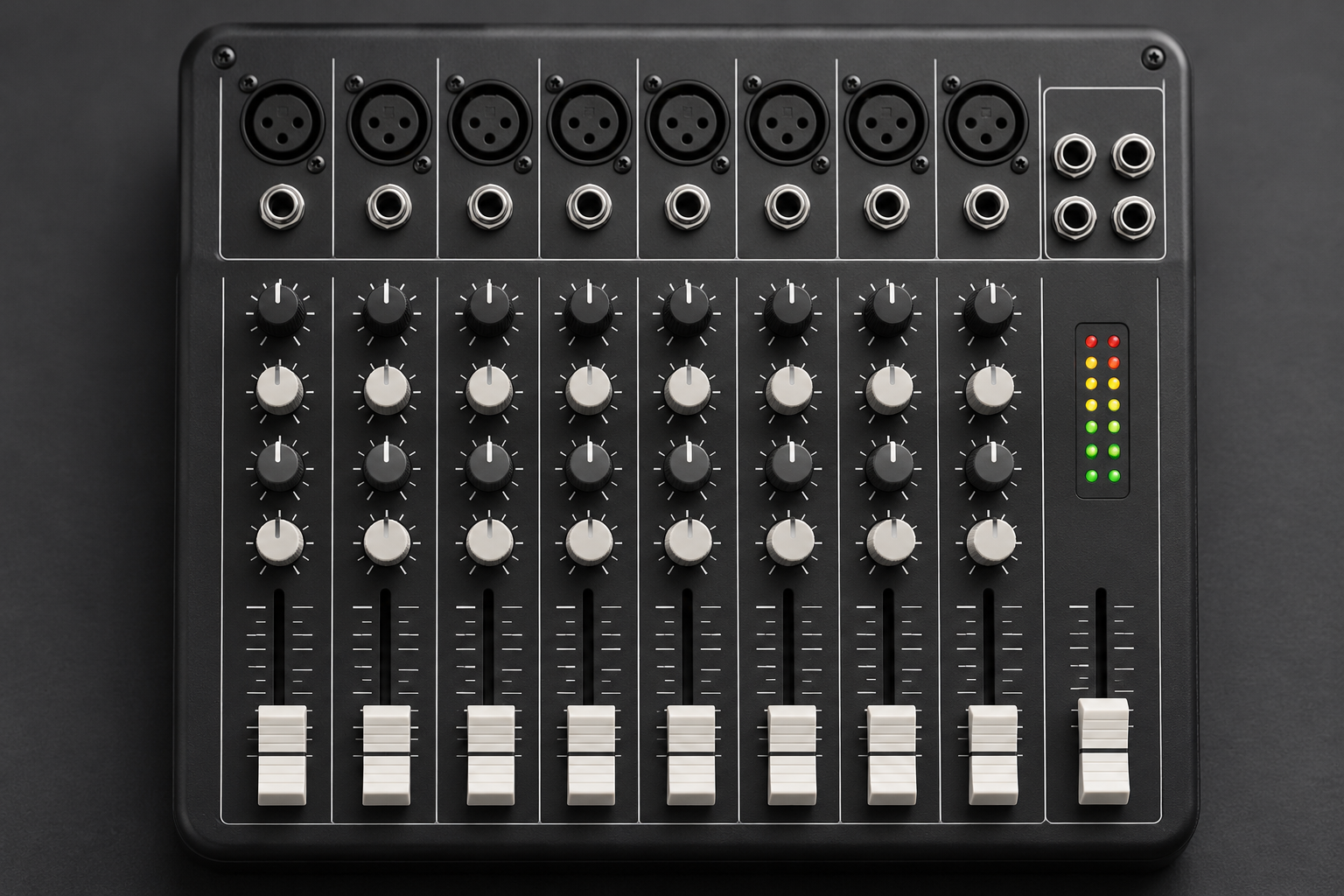
I want to start with the thing that actually matters when you’re mixing a vocal at 11pm with a session that’s already choked on CPU: Acustica Audio’s Fire The Vox is built on their sampled-hardware engine, and that engine has a footprint. The download is substantial, the plugin eats real processing, and before you commit you should know whether the sound earns that cost. So let me be blunt about the trade before I get into the tool itself.
Acustica’s whole approach is convolution-style sampling of real analog hardware: they capture the actual frequency and dynamic behaviour of the gear rather than modelling it with math. Fire The Vox is their channel strip aimed squarely at vocals, stacking several of those sampled processors in one window so you can shape a lead or a backing stack without chaining a dozen separate plugins. That’s the pitch. The catch is that sampled engines load heavier than algorithmic ones, and if your templates run close to the edge, adding one more sampled strip can tip things over.
What you’re actually getting
A vocal channel strip in this style typically bundles the pieces you’d reach for on a lead: a preamp stage for tone and drive, EQ bands for shaping, a compressor for control, and often a de-esser or saturation section to handle the parts of a vocal that fight you. Fire The Vox follows that logic. The point of bundling them isn’t convenience for its own sake. It’s that all the stages are sampled from real hardware, so the colour you get stacking them is coherent in a way that chaining unrelated plugins rarely is.
If you’re used to the surgical precision of something like TDR Nova, where each band reacts dynamically to the incoming signal, a sampled channel strip is a different animal. Nova is a scalpel. A strip like this is more like a piece of outboard gear you drive into. It does coloured, musical shaping, not transparent correction. Know which one you need before you open it.
The install size and CPU question
This is where I’d push back on the marketing. Acustica’s libraries are large because the engine stores sampled responses, and Fire The Vox is no exception. You’re not downloading a few megabytes of DSP code. You’re pulling a bank.
Does that matter? It matters in three places.
- Disk and first-load time. The library needs to live somewhere, and the first instance in a session can take a moment to come up while it reads what it needs. That’s a workflow tax on every session where you reach for it cold.
- CPU under load. A single instance on a lead vocal is usually fine on a modern machine. Five instances across a stack of harmonies is a different story, and that’s where producers start freezing tracks or bouncing. If you’re already running heavy sampled reverbs and a mastering chain, you’ll feel it.
- Stability on older hardware. Heavier engines expose weak systems. If your machine struggles with large sampled instruments, it will struggle here too.
My honest read: the install size is the price of the sound. If you want the colour of the sampled hardware, you pay for it in bytes and cycles. If you want a transparent, featherweight vocal tweak that you can throw on twenty tracks, this is the wrong tool and you already knew that.
Does it sound like the hardware it’s chasing?
This is the part where Acustica has a real reputation, and it’s earned. The sampled approach does something algorithmic plugins struggle with: it captures the way hardware responds to level and frequency in ways that aren’t fully described by a spec sheet. Drive a sampled preamp and the harmonics change the way they change on the real unit. The EQ moves feel like they have a shape rather than a curve.
On a vocal, that translates to weight and glue. The compression stage tends to thicken rather than flatten, which is exactly what you want on a lead that needs to sit forward without getting brittle. The tone-shaping is musical, forgiving of imperfect input, and it responds to how hard you push it. Push the input, and the character changes. The appeal of a sampled strip is exactly that, and Fire The Vox delivers it.
The flip side: it’s less surgical than a clean digital EQ. You can’t dial in a two-decibel cut at exactly 3.4 kHz with total transparency. You’re shaping, not correcting. For problem-solving resonances, I’d still reach for a parametric dynamic EQ first and let the strip do the tone and the glue.
Where it fits in a real session
The way I’d use a strip like this: put it early on the vocal insert chain, before the corrective EQ and the reverbs. Let it set the tone and the basic dynamics, then correct what’s left. If you’re stacking harmonies, run one instance on the lead and consider a lighter, cheaper approach on the doubles so you don’t multiply the CPU hit. Freeze the doubles once they’re printed if the session gets heavy.
And be realistic about the de-essing and the harshness control. No channel strip replaces a dedicated dynamic EQ for taming sibilance or a resonant boxiness that moves around the take. Sample-based strips can be beautiful but they’re not doing frequency-reactive healing. If a vocal has a problem, fix the problem with the right tool, then let the strip add the character. That order matters.
Who should buy it, and who shouldn’t
If you mix vocals for a living, or you’re a producer who wants a single, characterful front end that gets a vocal 80 percent of the way there with one window and a few moves, Fire The Vox is a serious piece of kit. The sound is the reason to own it. The CPU and the disk footprint are the reason to think twice before putting it on every track.
If you’re running a lean, algorithmic template and you value speed and instancing over sampled colour, skip it. You can get pro vocal results from transparent tools. The free route is genuinely good now: dynamic EQ for the surgical work, a warm reverb for space, a loudness meter to keep you honest, and you’re most of the way there. Paid plugins buy you character and workflow, not results you otherwise couldn’t reach.
One more pragmatic note. Before you commit, demo it against a vocal you know inside out and watch your CPU meter while you do. The horror stories about these engines are real, and they don’t show up in a five-minute first impression. Run it in the actual session, not an empty template. If it sits comfortably and the sound makes you want to keep it in, buy it. If it’s fighting your machine, no amount of good tone is worth the frustration.
Fire The Vox is a well-made sampled strip with the weight and character Acustica is known for. The install size is not a bug, it’s the cost of the approach. Decide whether that cost is one you can pay in your workflow, and the review answers itself.